
- RealmCraft Block Craft
- 4.1
Advertisement
Advertisement
Screenshots
Download
Advertisement
App Information
System compatibility
The application is available on multiple platforms and is designed to function across a range of devices.
- Supported operating systems: Android / iOS
- Installation size may vary by version
- Performance may depend on device specifications
Permissions and data access
The app may request access to storage or notifications depending on your device. Each permission is optional and only used to support core features.
Latest updates
Release notes usually include stability improvements, bug fixes, and compatibility changes for newer Android and iOS versions.
FAQ
How do I install this app after downloading it?
Open the downloaded file on your device and follow the system prompts. Make sure installation from your selected source is allowed if your device asks for confirmation.
Is this app safe to use?
The application is available on multiple platforms and is designed to function across a range of devices.
- Supported operating systems: Android / iOS
- Installation size may vary by version
- Performance may depend on device specifications
Is this app free to download?
Download availability depends on the version and the store listing. Some regions may offer a free version while others may include in-app purchases.
How do I find my account back?
Use the sign-in recovery option inside the app or on the service website. Recovering with your email, phone number, or linked account is usually the fastest path.
How to use this app?
Start from the home page, sign in if needed, then follow the primary navigation to access the app's core features. Most settings and support options are available from the profile area.


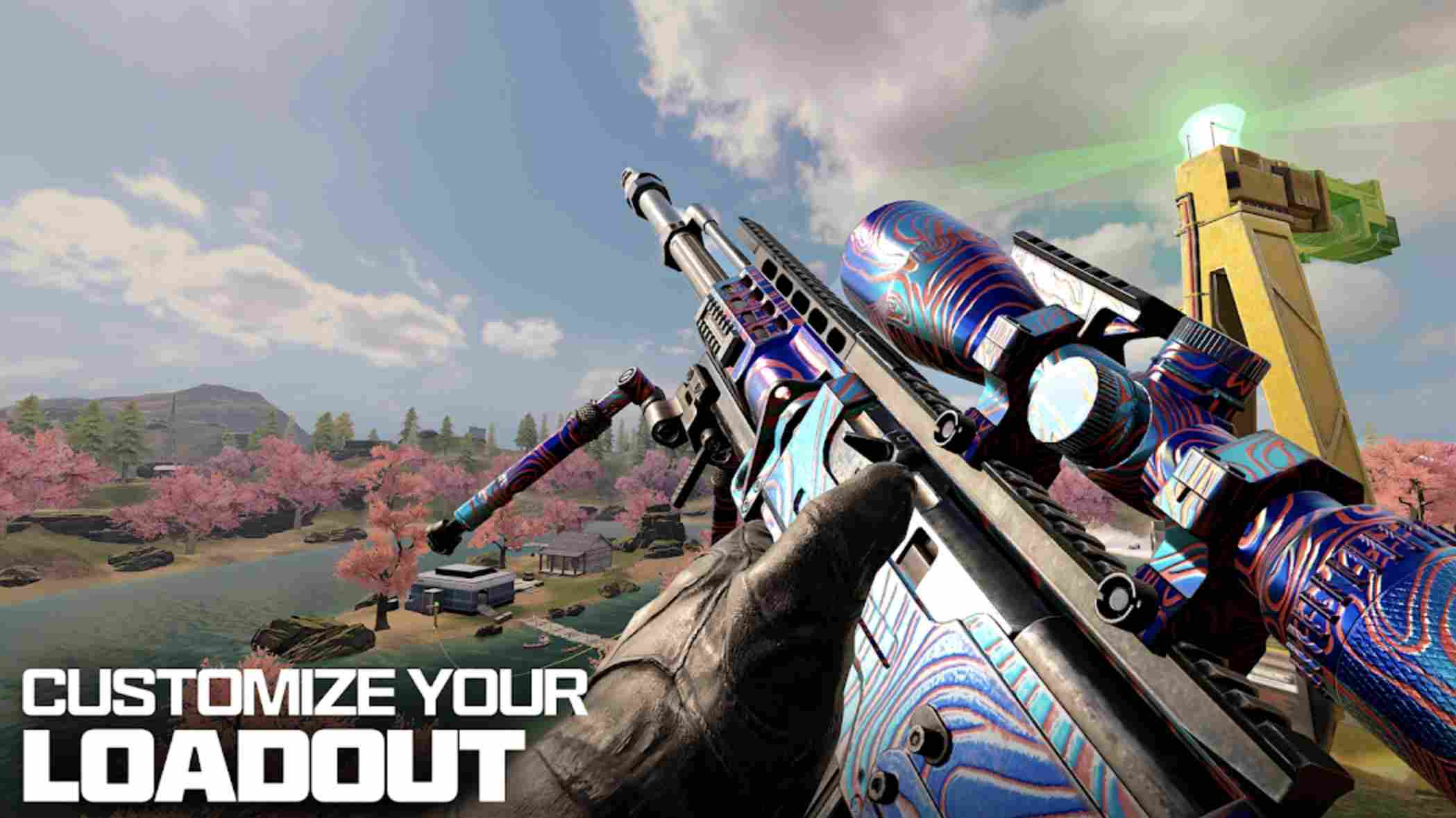
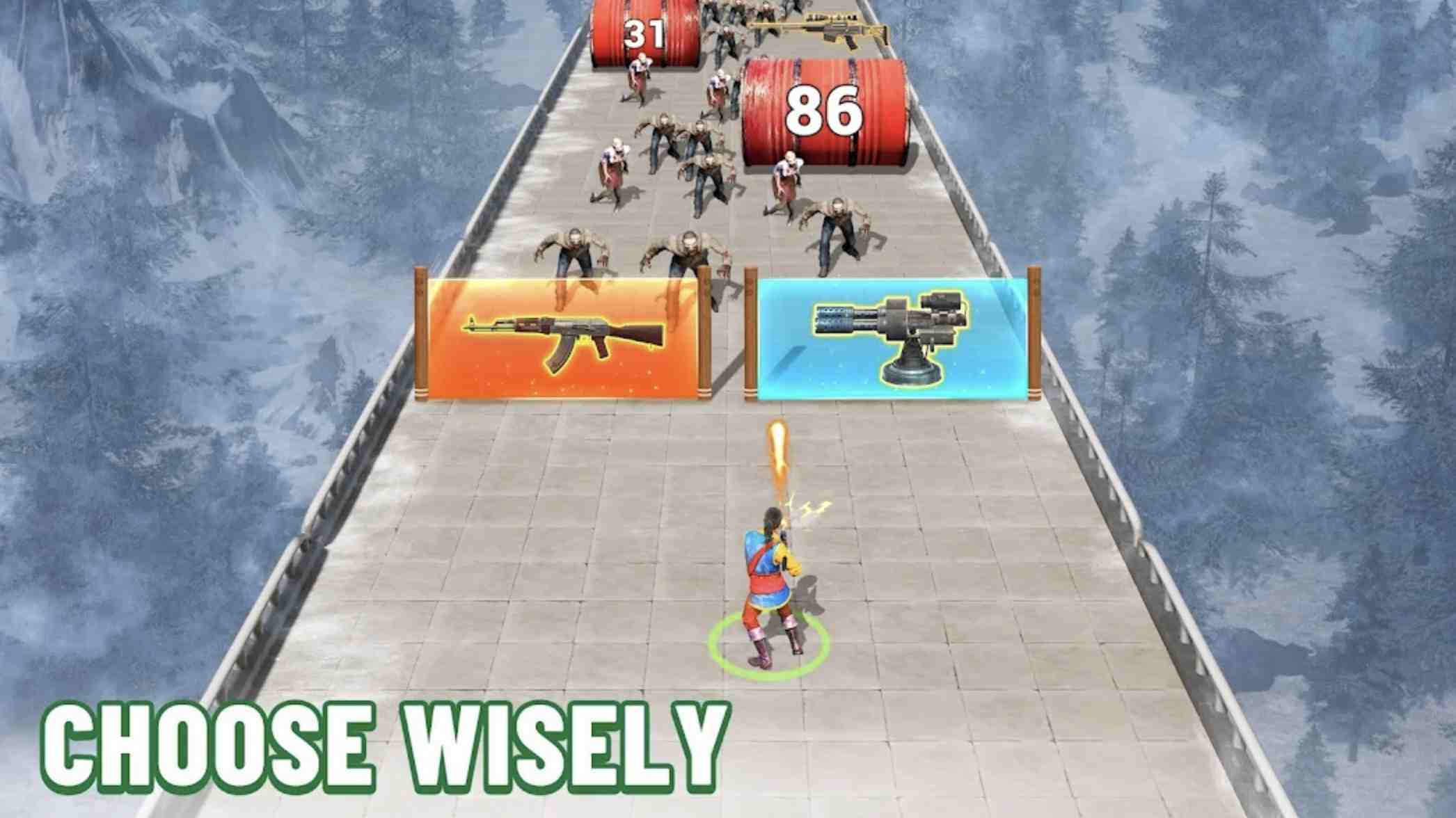









Introduction to - RealmCraft Block Craft
Welcome to the real world of infinite possibilities of cubic worlds.
Explore randomly generated worlds and build the most extraordinary buildings, from simple to magnificent ones. Fight in creative mode with unlimited resources or climb into the dense forest world in survival mode, crafting weapons and steel armor for the struggle of its inhabitants.
Product features
- The game is highly optimized and generation world in all modern equipment.
- Randomly generated maps for complete freedom of movement.
- Dynamically changing world.
- Beta version of online multiplayer play with your friends!
- Two game states: survival and creativity.
- Many different blocks and objects.
In RealmCraft multiplayer beta mode, you can play online with real people.
- Get together in one world and show each other the most amazing buildings!
- Discuss game features or game missions in live chat;
- Give people advice on how to build their shelters/houses/towns!
- Have fun playing with friends!
- Get the most amazing experience!
Different types of terrain, from forests and deserts to swamps and taiga forests.
New winter blueprints are available. Search the "New Year" tab in the Blueprints menu. Feel the spirit of Christmas and winter magic.
- New winter event in Survival mode - Snowflakes. Collect snowflakes and exchange them in the festive store. You can receive different useful items and cubes.