

- Mobile Strike
- 3.6
Advertisement
Advertisement
Screenshots
Download
Advertisement
App Information
System compatibility
The application is available on multiple platforms and is designed to function across a range of devices.
- Supported operating systems: Android / iOS
- Installation size may vary by version
- Performance may depend on device specifications
Permissions and data access
The app may request access to storage or notifications depending on your device. Each permission is optional and only used to support core features.
Latest updates
Release notes usually include stability improvements, bug fixes, and compatibility changes for newer Android and iOS versions.
FAQ
How do I install this app after downloading it?
Open the downloaded file on your device and follow the system prompts. Make sure installation from your selected source is allowed if your device asks for confirmation.
Is this app safe to use?
The application is available on multiple platforms and is designed to function across a range of devices.
- Supported operating systems: Android / iOS
- Installation size may vary by version
- Performance may depend on device specifications
Is this app free to download?
Download availability depends on the version and the store listing. Some regions may offer a free version while others may include in-app purchases.
How do I find my account back?
Use the sign-in recovery option inside the app or on the service website. Recovering with your email, phone number, or linked account is usually the fastest path.
How to use this app?
Start from the home page, sign in if needed, then follow the primary navigation to access the app's core features. Most settings and support options are available from the profile area.















Introduction to - Mobile Strike
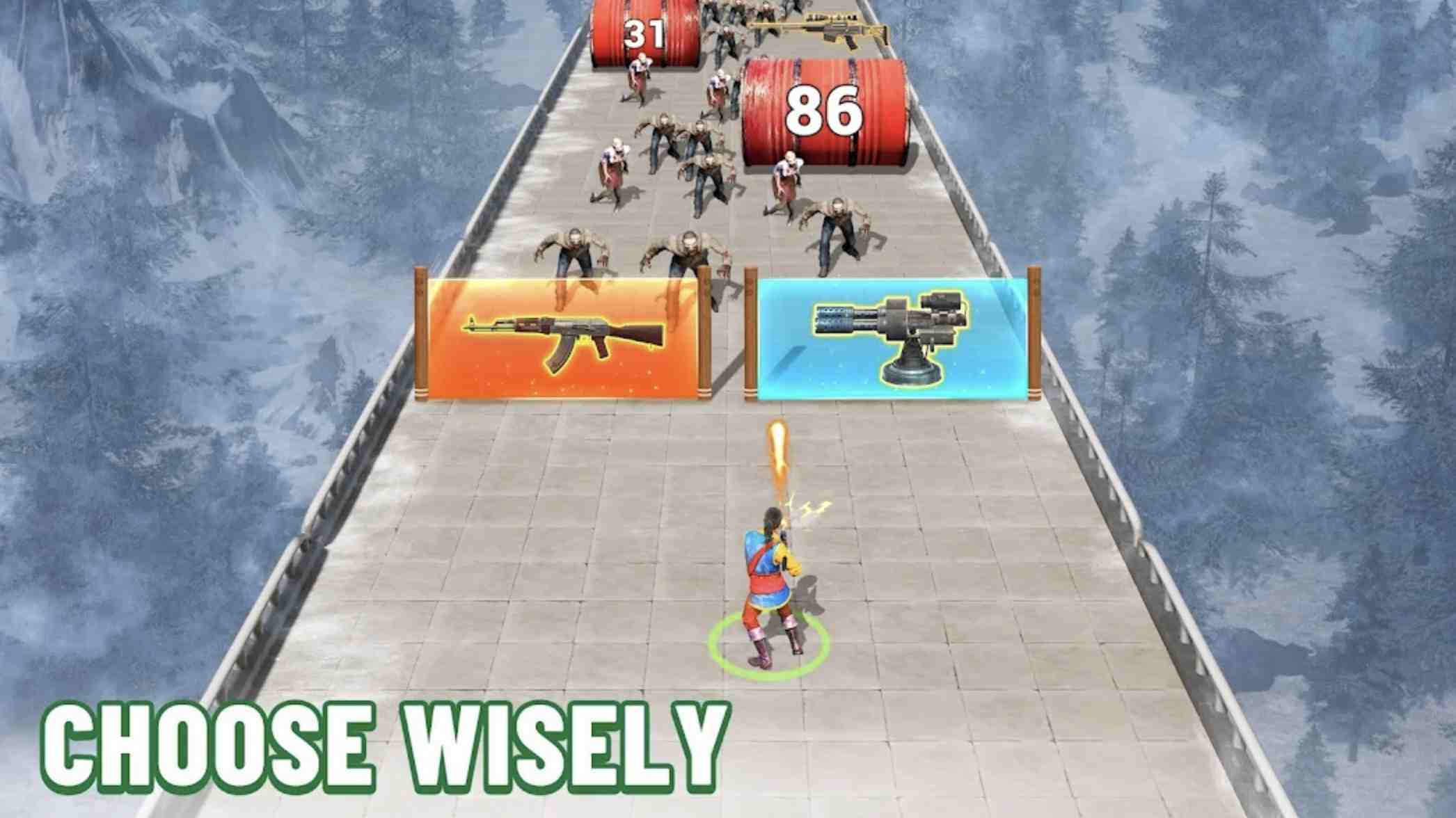
Mobile Strike, with the famous action hero Arnold Schwarzenegger, ha become the world's largest MMO game. It’s a free game from the same maker of Game of War: Fire Age. Users need to construct a strong base and alliance with others to fight against enemies. Mobile Strike is a war game that aims at ending all war games. Download it now and have fun! About Mobile Strike: The game provides a series of missions, take your time and finish the tasks. Besides, users can place kinds of buildings with large amounts of resources. Place as many as you like. And with other players, a team is a must to gain golds and fight enemies. Everything is better with an alliance. Notice that if your alliance guy has an in-app purchase, you and other mates will earn a reward. Users can also use modern vehicles to build bases. Mobile Strike is different from Game of War: Fire Age in setting times. The former happens in modern times. But there can be some similar rules. Players can totally enjoy the fun of two games.
The first step is to build the foundation. The tutorial will guide you through building all the overall buildings needed to get started and explain the function of each building. There are six different buildings, and you will need to raze all of them as you proceed. You can recruit and train troops at your own base, decide what to research, heal troops after battle, and more. Thankfully, when you get sea legs, you will stay safe for the first 24 hours, as the game provides you with a safety shield that protects you from attacks by neighboring players.
If you travel around the world, you will see your own base as well as other neighboring bases in the area. Each one will have a name, a rank indicator and a marker in that player's alliance. On this screen, you will be able to spot the neighbors you intend to attack and send the attacking party. While on the world map, you will also see coordinates, which is a way to let other friendly players know where you are placed. Resources play an important role in this game. You need them for everything, from researching new technologies to upgrading buildings for better troops and weapons. Stone, oil, iron, food and silver are the five game resources for success. There is also gold, which you can get by completing certain missions or through in-app purchases.
You will need to collect resources by building the appropriate resource collection buildings and continuing with upgrades. You will be able to have multiples of each type of resource build, but will also need to make sure you have enough storage space to hold all the content. Depending on the situation, each resource will be consumed in different ways. You will always be informed of the cost of construction and maintenance whenever you are ready to build additional troops or select new buildings. While upgrading buildings does consume some of the valuable resources you might ho, you can also collect and store more resources by upgrading. Essentially, you need to constantly evaluate the benefits and costs of upgrading. This is pretty routine for anyone who is used to building a base in the game. Research will also use up those resources, but this is how you can find new technology to help you in battle as well as make building buildings or training troops easier.