

- ScaleMan
- 5
Advertisement
Advertisement
Screenshots
Download
Advertisement
App Information
System compatibility
The application is available on multiple platforms and is designed to function across a range of devices.
- Supported operating systems: Android / iOS
- Installation size may vary by version
- Performance may depend on device specifications
Permissions and data access
The app may request access to storage or notifications depending on your device. Each permission is optional and only used to support core features.
Latest updates
Release notes usually include stability improvements, bug fixes, and compatibility changes for newer Android and iOS versions.
FAQ
How do I install this app after downloading it?
Open the downloaded file on your device and follow the system prompts. Make sure installation from your selected source is allowed if your device asks for confirmation.
Is this app safe to use?
The application is available on multiple platforms and is designed to function across a range of devices.
- Supported operating systems: Android / iOS
- Installation size may vary by version
- Performance may depend on device specifications
Is this app free to download?
Download availability depends on the version and the store listing. Some regions may offer a free version while others may include in-app purchases.
How do I find my account back?
Use the sign-in recovery option inside the app or on the service website. Recovering with your email, phone number, or linked account is usually the fastest path.
How to use this app?
Start from the home page, sign in if needed, then follow the primary navigation to access the app's core features. Most settings and support options are available from the profile area.














Introduction to - ScaleMan
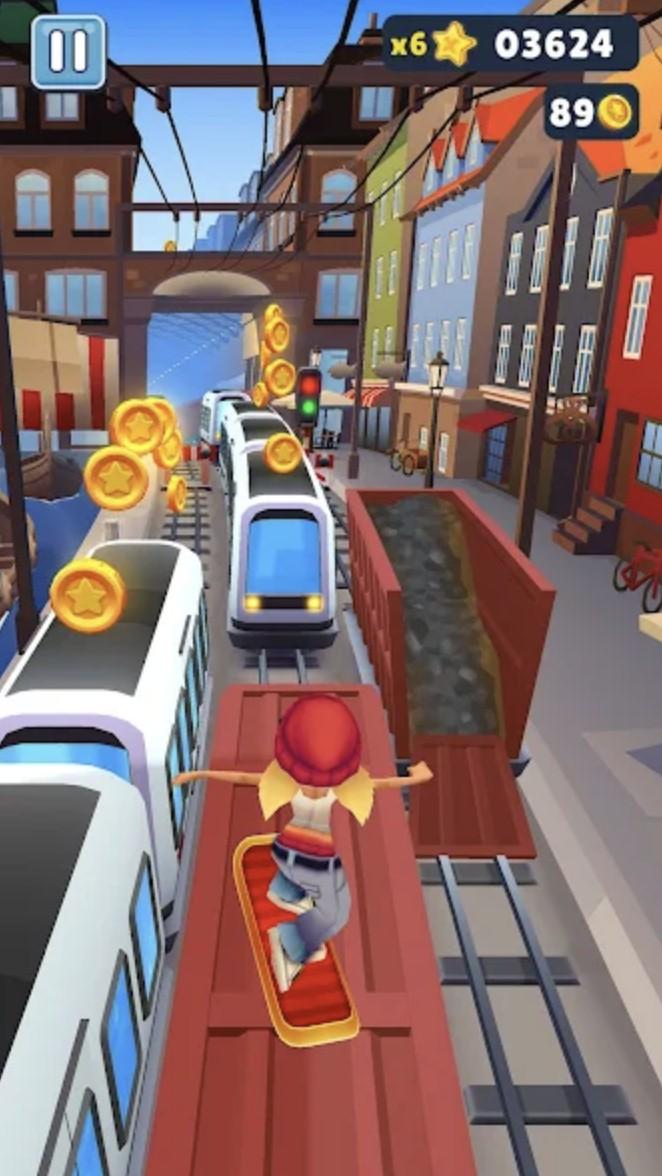
By changing the size of the character at will to cross the obstacles on the track, have you ever seen such a game? When there are larger obstacles stacked together in front of us, we need to become bigger to cross over; when we encounter those tiny passages, we need to shrink our body size to avoid obstacles that cannot be avoided by crossing over; moving the size of the character slider is under your control, this is the action parkour game launched by KAYAC Inc. by changing the size of the main character, so as to cross the traps and dangers. In the game, players will operate a matchmaker can control their own body, this matchmaker is a hundred changes, can change the size of the shuttle in the game of parkour track, we need to use can change the size of this setting to play into the game's mission, to become the winner.
The game's graphics use a bright 3D three-dimensional painting style, if you have played the matchmaker game type you will find that the game is the standard matchmaker shape, the classic bright yellow color scheme and the game in the blue sky and bright green earth, forming a distinctive embodiment. In the game will occasionally appear in the huge truck and levels often appear in the red obstacle brick wall, from time to time to remind the player to pay attention to change the size of the matchmaker, otherwise can not smoothly break through the obstacles to successfully reach the end of victory. As an action parkour game with innovative elements, if you happen to like to control this kind of game that can scale the character's body shape, then hurry up and try this ScaleMan it!
When we come to the game, we will find that the game screen is very simple, there is no too much complex operation interface, only a few buttons to remind you how the whole game should be carried out, since the game is mentioned as a parkour game, then we need to carry out the operation is very simple, first we click to start the game, no need to collect any props to strengthen themselves or other operations, just need to The role of this slider is to adjust the size of the character's body shape, when we slide the slider to the left, the character's body shape will gradually become smaller, when we slide the slider to the right, the character's body shape will gradually become larger, you can slowly drag the slider to slowly change the character's body shape, you can also quickly drag the slider to change the character's body shape.
Take one of the levels in the game as an example, when we start the game into the track, first of all, we will pass through a lot of red matchmaker queue, at this time, we can choose to drag the slider to the right to make the character's body shape become taller, and then you can easily pass through these matchmaker crowd, of course, we can also choose to make the character's body shape smaller, you can pass through the gap between these matchmakers queue Gap through, further ahead is a red truck, there is no gap under the truck can let us pass, so we must maintain a tall image, straight from the roof of the truck across. As well as the end of the road before stopping a red wall, then we also need to maintain a tall image, walk to the red wall outside to push it down, in order to be able to walk to the end of the track. The whole game is like to test the player's reaction and resourcefulness, very interesting.