
- Soccer Stars
- 4.6
Advertisement
Advertisement
Screenshots
Download
Advertisement
App Information
System compatibility
The application is available on multiple platforms and is designed to function across a range of devices.
- Supported operating systems: Android / iOS
- Installation size may vary by version
- Performance may depend on device specifications
Permissions and data access
The app may request access to storage or notifications depending on your device. Each permission is optional and only used to support core features.
Latest updates
Release notes usually include stability improvements, bug fixes, and compatibility changes for newer Android and iOS versions.
FAQ
How do I install this app after downloading it?
Open the downloaded file on your device and follow the system prompts. Make sure installation from your selected source is allowed if your device asks for confirmation.
Is this app safe to use?
The application is available on multiple platforms and is designed to function across a range of devices.
- Supported operating systems: Android / iOS
- Installation size may vary by version
- Performance may depend on device specifications
Is this app free to download?
Download availability depends on the version and the store listing. Some regions may offer a free version while others may include in-app purchases.
How do I find my account back?
Use the sign-in recovery option inside the app or on the service website. Recovering with your email, phone number, or linked account is usually the fastest path.
How to use this app?
Start from the home page, sign in if needed, then follow the primary navigation to access the app's core features. Most settings and support options are available from the profile area.
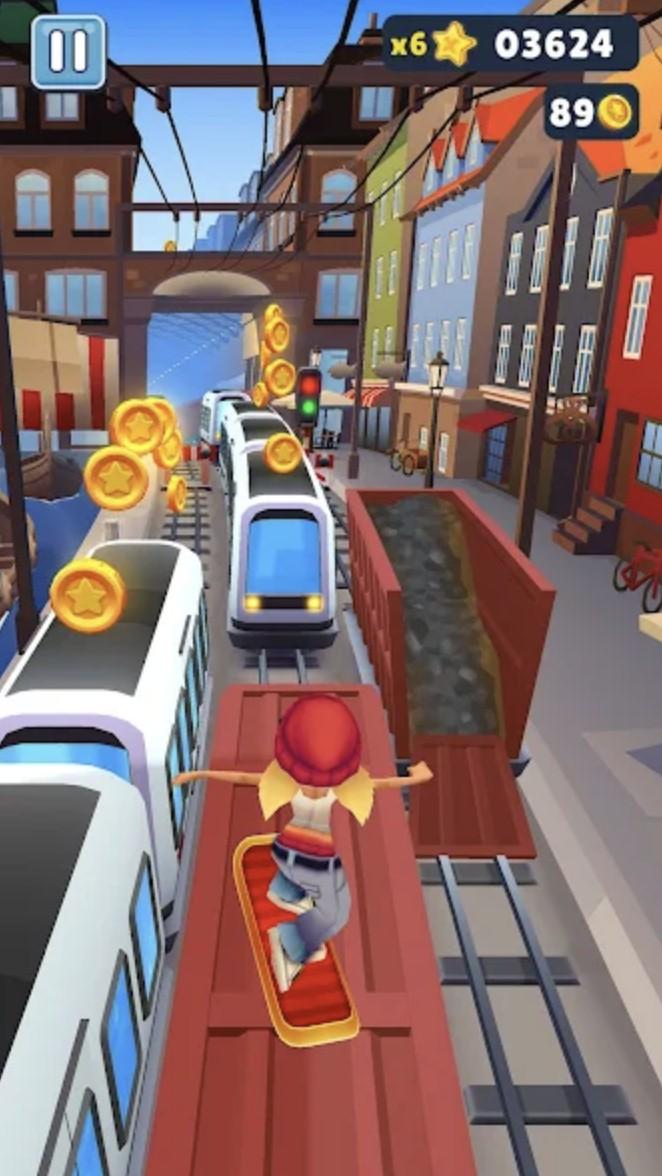














Introduction to - Soccer Stars
Soccer Stars is an easy sports game to pick up and fun to play. With simple gameplay interface and excellent physics, you're able to challenge your opponents all over the world for online soccer matches. Soccer Stars Features: Paly with your friends. Compete in tournaments. Become a champion in several countries. Collect all the teamers all over the world. Experience multiplayer soccer gaming. What's New: Collect 12 new teams on Surprise Packs! Meet the new official team: Borussia Dortmund! Win Soccer Boots and evolve the visuals of your teams! Adding 3 new countries on tournaments: Portugal, Argentina and Germany! Bug fixes and general improvements.
All you have to do is aim the ball at the dragon goal and find the right moment to shoot it in! The game may look simple, but it's not easy for you to get the win.
You'll be able to challenge players from all over the world to play against them. You can also play online with your friends. You can also sign in with your Facebook or Google account and send "PK" requests to your friends! Alternatively, you can play offline with your friends on the same device! You can also customise your football star experience by collecting different teams! Show off your style and defend your country's colours!
Key features.
-Online and offline multiplayer
-Simple and fun gameplay
-Amazing ball physics
-Online tournaments for players from all over the world
-Play with your friends
-Collect different teams and cups