
- Talking Tom Hero Dash - Run Game
- 4.4
Advertisement
Advertisement
Screenshots
Download
Advertisement
App Information
System compatibility
The application is available on multiple platforms and is designed to function across a range of devices.
- Supported operating systems: Android / iOS
- Installation size may vary by version
- Performance may depend on device specifications
Permissions and data access
The app may request access to storage or notifications depending on your device. Each permission is optional and only used to support core features.
Latest updates
Release notes usually include stability improvements, bug fixes, and compatibility changes for newer Android and iOS versions.
FAQ
How do I install this app after downloading it?
Open the downloaded file on your device and follow the system prompts. Make sure installation from your selected source is allowed if your device asks for confirmation.
Is this app safe to use?
The application is available on multiple platforms and is designed to function across a range of devices.
- Supported operating systems: Android / iOS
- Installation size may vary by version
- Performance may depend on device specifications
Is this app free to download?
Download availability depends on the version and the store listing. Some regions may offer a free version while others may include in-app purchases.
How do I find my account back?
Use the sign-in recovery option inside the app or on the service website. Recovering with your email, phone number, or linked account is usually the fastest path.
How to use this app?
Start from the home page, sign in if needed, then follow the primary navigation to access the app's core features. Most settings and support options are available from the profile area.








Introduction to - Talking Tom Hero Dash - Run Game
A new crisis has arrived and the Raccoon Faction is wreaking havoc on the city, turning Tomcat's world into a raccoon-filled garbage dump!
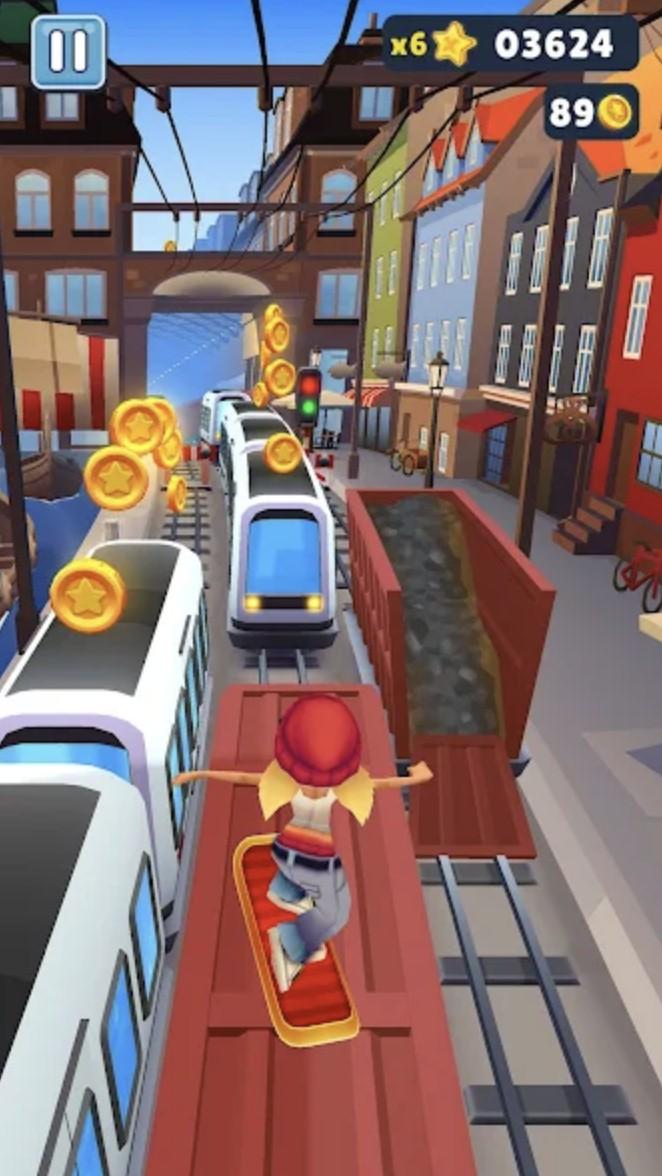
Now it's up to you to kick the raccoon faction off the road during parkour and collect gold coins and gems to rebuild the city. Repair buildings, restore parks and monuments, and make the world safe again. Tom Cat needs to find supersonic power and anti-gravity equipment to become a real hero. Of course, to become a hero that can not be empty-handed ah, see those gorgeous props, jet bike, super skateboard and laser spaceship! These - can help you run faster with more power, take them to explore the amazing scenes you have never seen before, you can run in the sand dunes, skiing on the iceberg, surfing on the tropical beach, or search in the temple, as long as you are skilled enough, you can also complete special tasks and activities in these parkour scenes.
Here the big villain he is the boss of the raccoon faction, he does not like superheroes to destroy his destruction plan. So will try to stop you from moving forward, this time you can not retreat, you need to bravely persevere, in the parkour process, unlock more new characters to help yourself expand the team power, in parkour to kick the raccoon faction out of the road, remember to collect more gems, which can give you the funds to rebuild the city, rely on their own strength all the way through, to explore more excellent props to help Tom, early he, let The city is restored to its beautiful original appearance.